 Rekit
Why coffee works so well as a subscription
A coffee drinker finishes a bag every week or two, every time. Without a subscription, they have to remember to reorder before they run out, and if they forget, they buy a bag at the supermarket instead. With a subscription, the next bag arrives before the last one is empty.
| One-time buyer | Subscriber | |
|---|---|---|
| Reordering | Has to remember | Arrives automatically |
| When the bag runs out | Buys at the supermarket | Next bag is already there |
| Your roasting plan | A guess | Known 30 days ahead |
| Price they pay | Full price | Saves on every bag |
For a roaster, that means predictable orders, predictable roasting, and customers who don't drift to a competitor between purchases.
Choose your delivery schedules
How fast a customer gets through a bag depends on how many cups they drink, so offer two or three schedules rather than one. Too many choices slows people down; one choice means some customers are drowning in coffee and others run out.
| Schedule | Suits |
|---|---|
| Every week | Households with two daily drinkers, or 1 kg bags for offices |
| Every 2 weeks | One or two cups a day from a 250 g bag. The most common choice |
| Every month | Occasional drinkers, or larger bags |
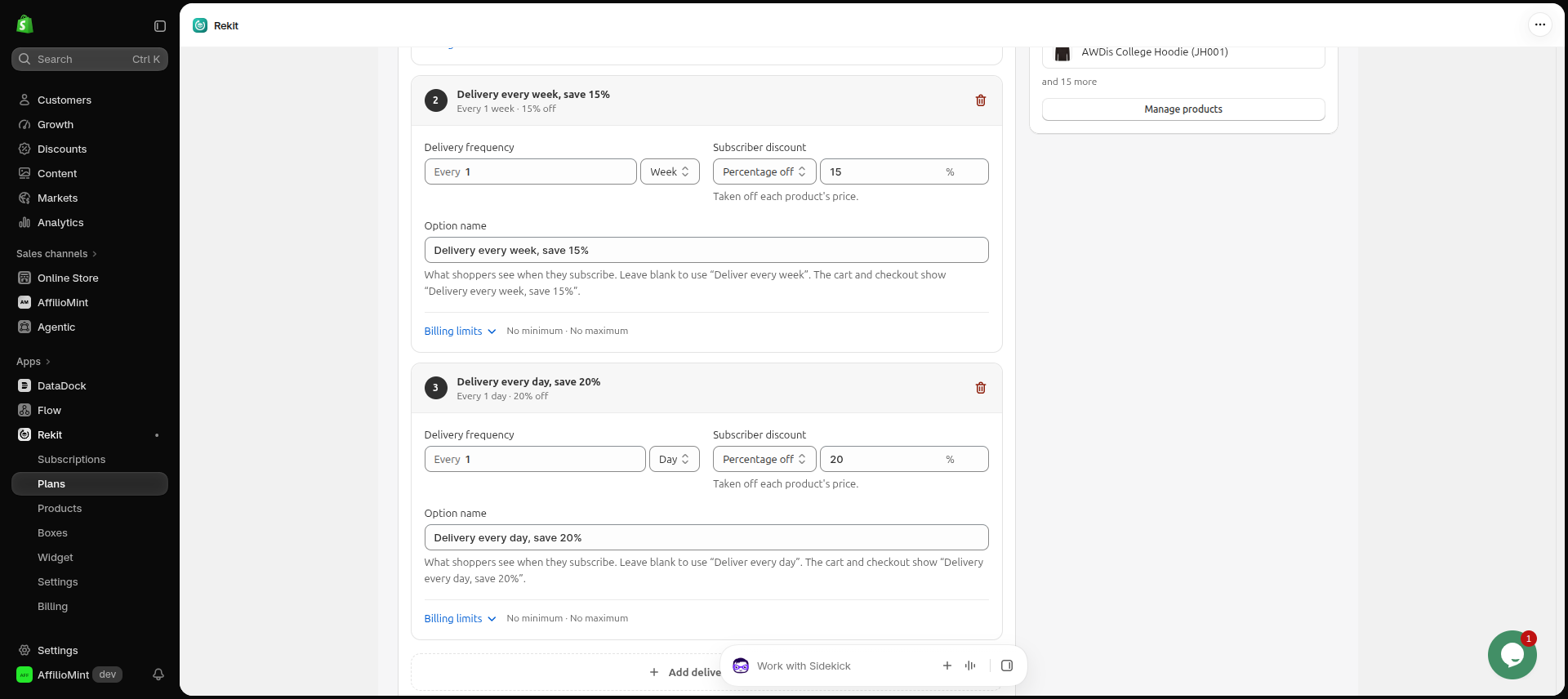
In Rekit, the Weekly essentials template gives you every week or every 2 weeks at 5% off, and Flexible delivery gives you every 2 weeks, every month or every 2 months at 10% off. Start from either and change the numbers to suit you.
Grind and bag size: use variants
Set grind (whole bean, filter, espresso, French press) and bag size (250 g, 500 g, 1 kg) as product variants in Shopify, exactly as you would for one-time sales. Customers choose their variant on the product page and subscribe to it, so every renewal ships the right grind.
Tastes change. A customer who buys an espresso machine wants espresso grind; a customer who's tried your Ethiopian for three months wants your Colombian. On Rekit's Freeze plan, customers can swap to another product or variant from the customer portal without cancelling. On Chill, they can change quantity and how often they get billed.
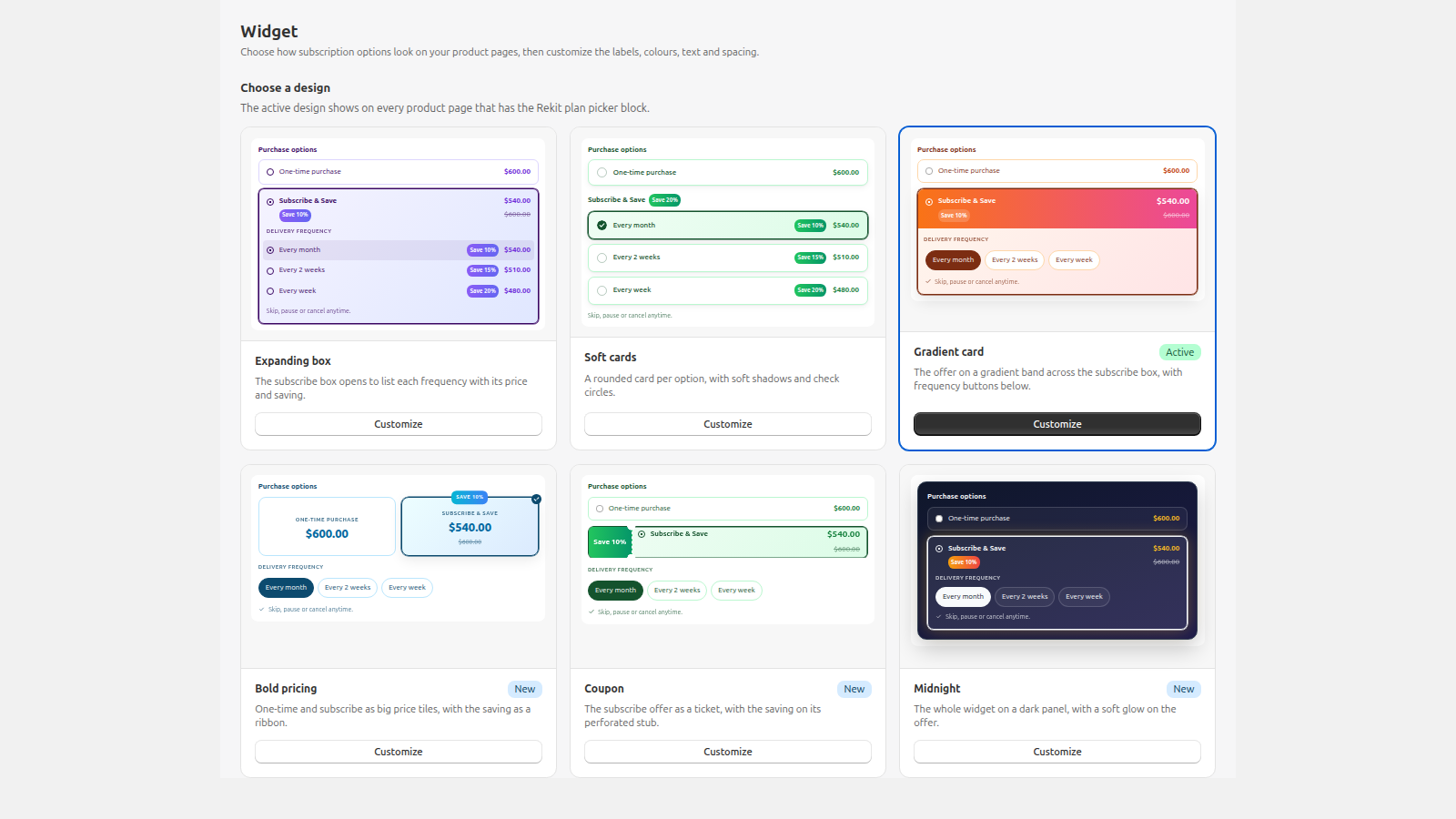
Here's what shoppers see on the product page. Tap a number to see what each part does.
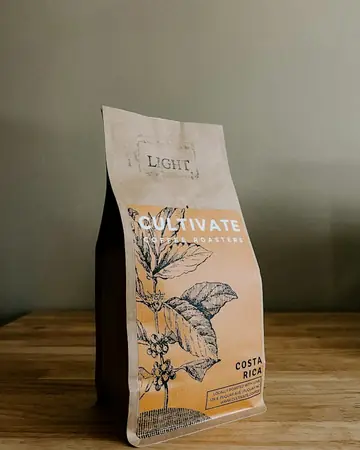


Costa Rica coffee
$18.00 Grind- 1Grind and bag sizeYour normal Shopify variants. Every renewal ships the variant they picked.
- 2Subscribe & saveOne-time or subscribe, with the best saving shown before Add to cart.
- 3Delivery frequencyEach option shows its own saving and price.
- 4Free giftA sample with the first subscription order.
Price it so it pays on every renewal
Most coffee subscriptions take 5% to 15% off the one-time price. The right number is what your margin can carry on every bag, not just the first one: roasting, packaging and postage don't get cheaper because the order is a renewal.
- Percentage off is the easiest to understand: "Subscribe & save 10%".
- A fixed price works when you want a round number, for example a bag for $15 on subscription.
- Commit and save more: a bigger saving for customers who commit to at least 3 orders.
You can also reward subscribers without discounting every bag: give a free gift with the first order (a sample of another roast works well), or add a loyalty discount that starts from the order you choose, for example 5% more from the 4th delivery.
Sell a sampler box
New customers often don't know which roast they'll like. A sampler box lets them pick, say, three 100 g bags from your single origins at one box price, and it's a great first subscription: a new selection every month.
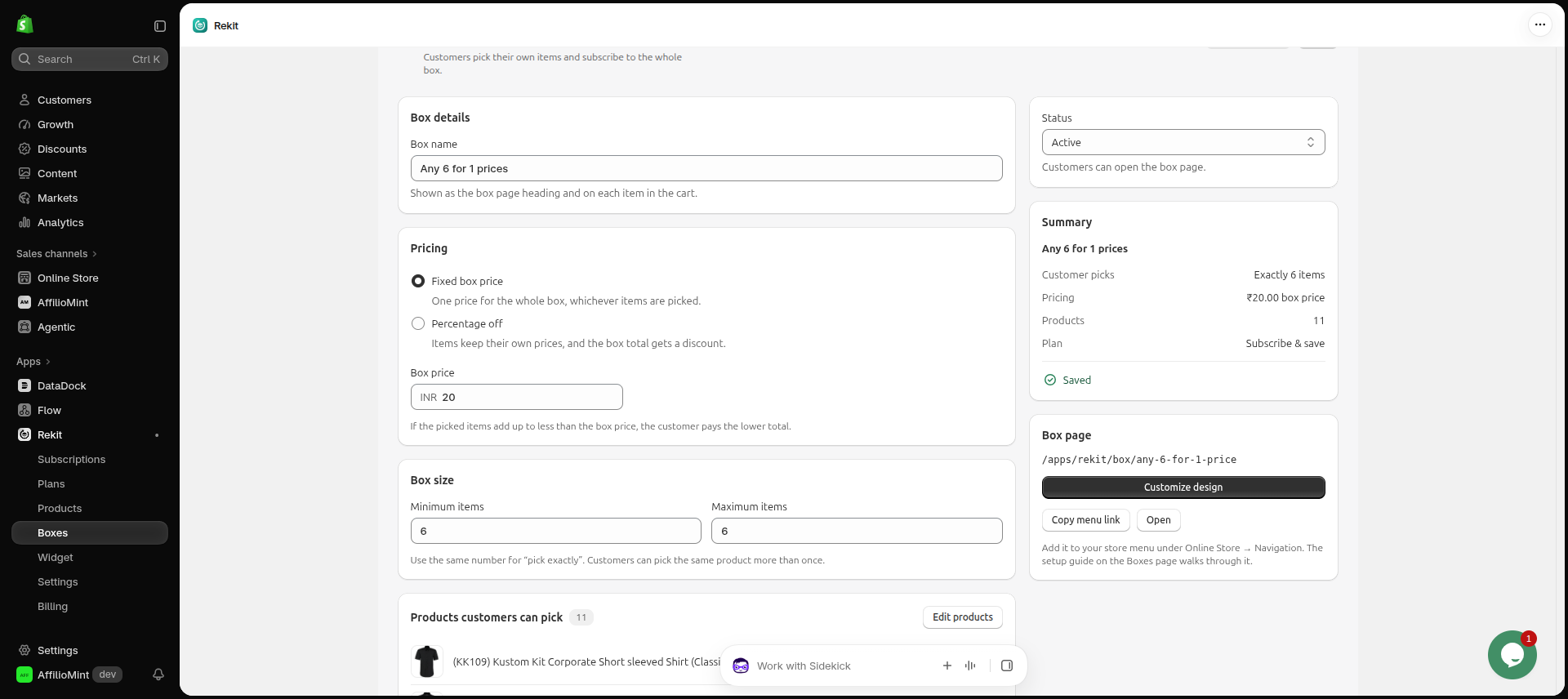
With Rekit's Build-a-Box (Freeze plan), you choose which products customers can pick from, how many go in a box, and the box price or discount. Customers fill the box on its own page and can subscribe to it.
Build your tasting box
Pick any 3 · one box price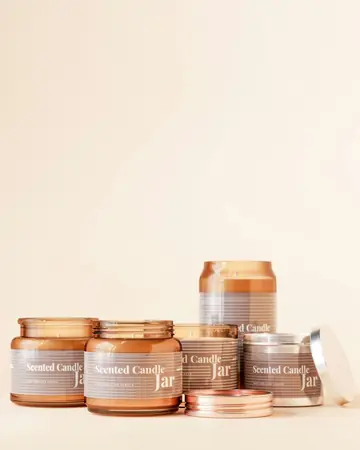
Sell more per order with brew kits and add-ons
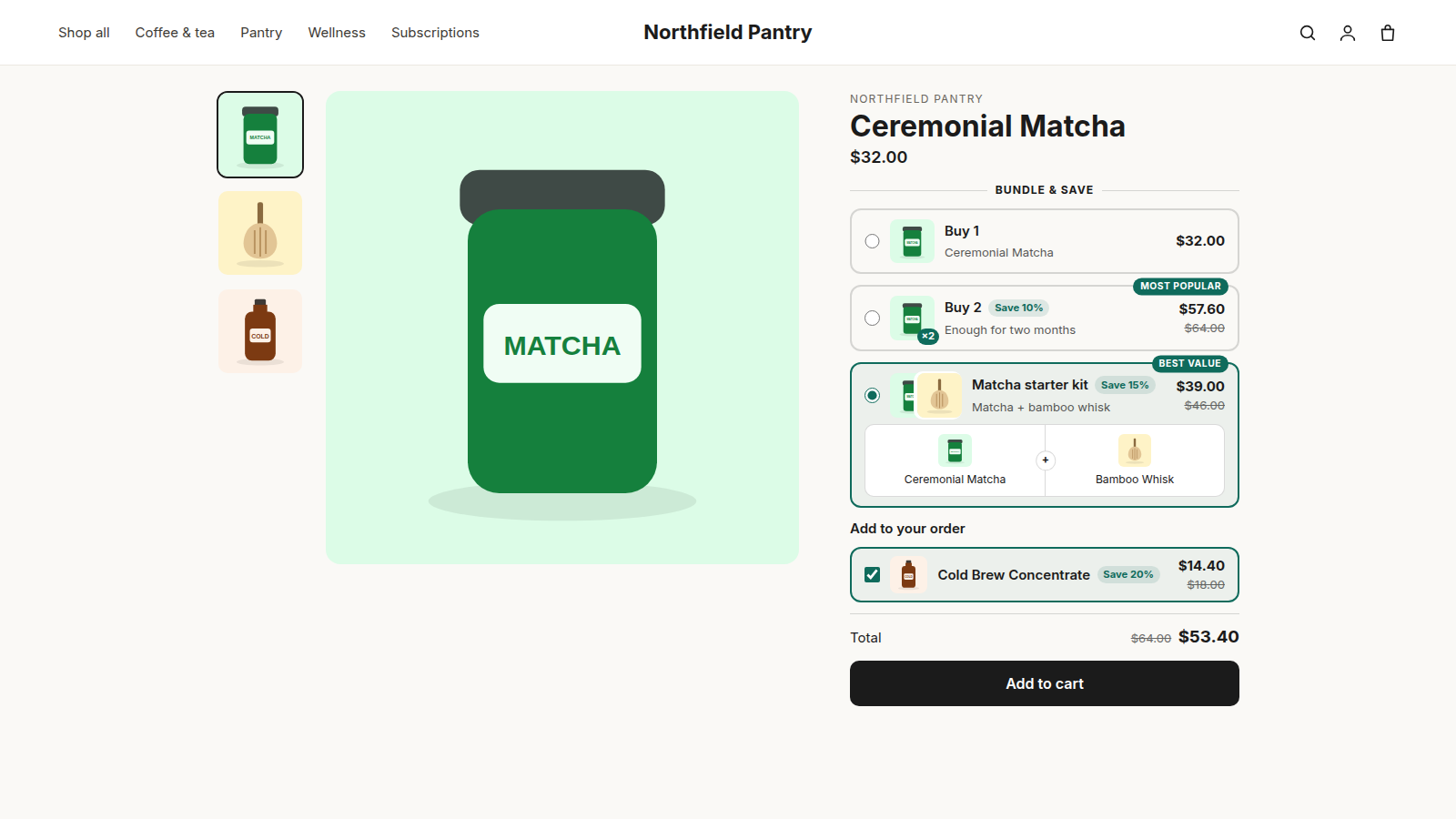
Coffee comes with natural extras. Rekit's bundle offers (Freeze plan) put them on the product page:
- Buy 2 for less: two bags at 10% off, for customers who want a second roast.
- A brew kit at one price: beans, filter papers and a dripper together.
- Discounted add-ons: filter papers or a reusable cup, ticked on with the coffee.
Keep subscribers longer
Plenty of coffee subscribers who cancel haven't stopped liking your coffee: bags are piling up, they're going on holiday, or a card expired. Each of those has a fix:
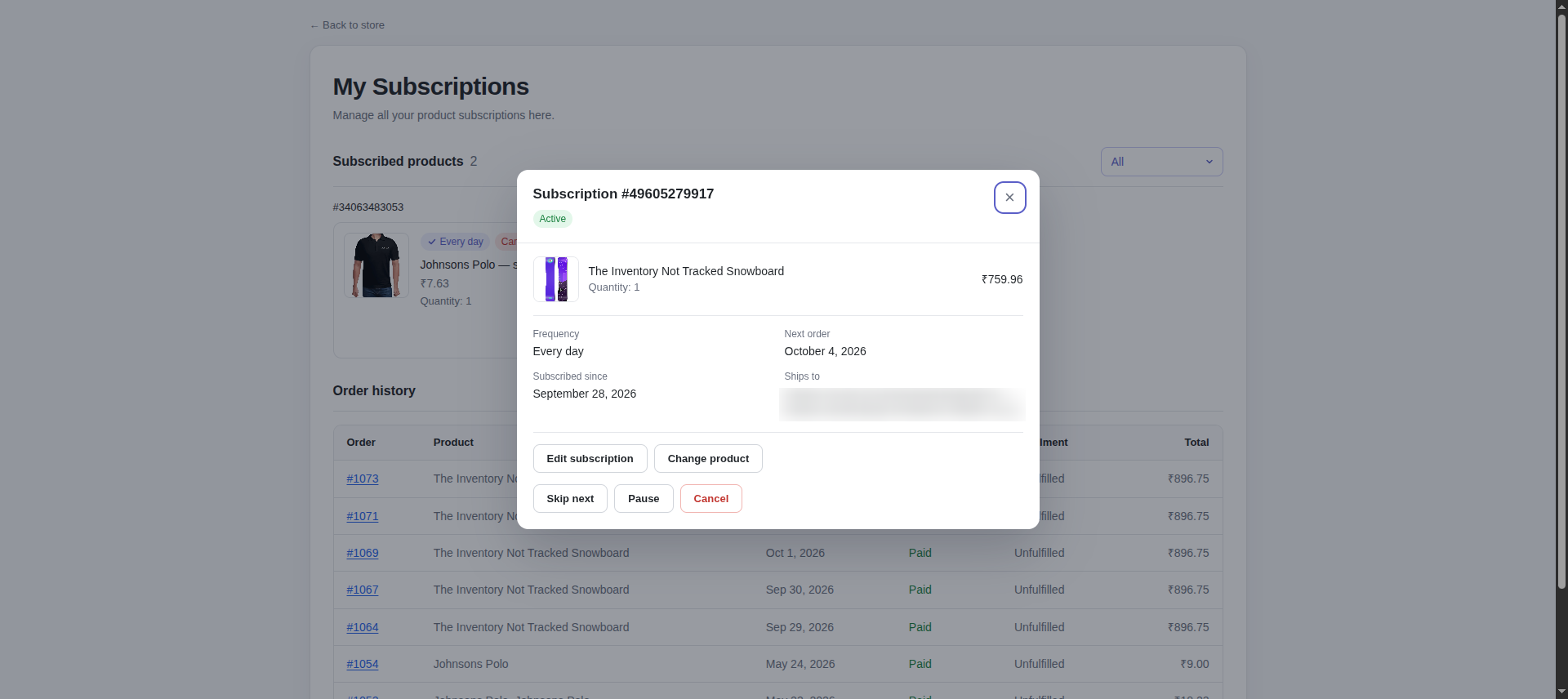
- Too much coffee? Let them skip a delivery or pause from the customer portal (Chill and up), instead of emailing you or cancelling.
- About to cancel? On Freeze, customers who try to cancel are offered a skip or pause first.
- Card declined? Rekit retries failed payments every 3 days and only cancels after the number of failures you choose (Chill and up).
- Surprised by a charge? Subscribers get a reminder email 3 days before each monthly renewal (Chill and up).
Plan your roasting
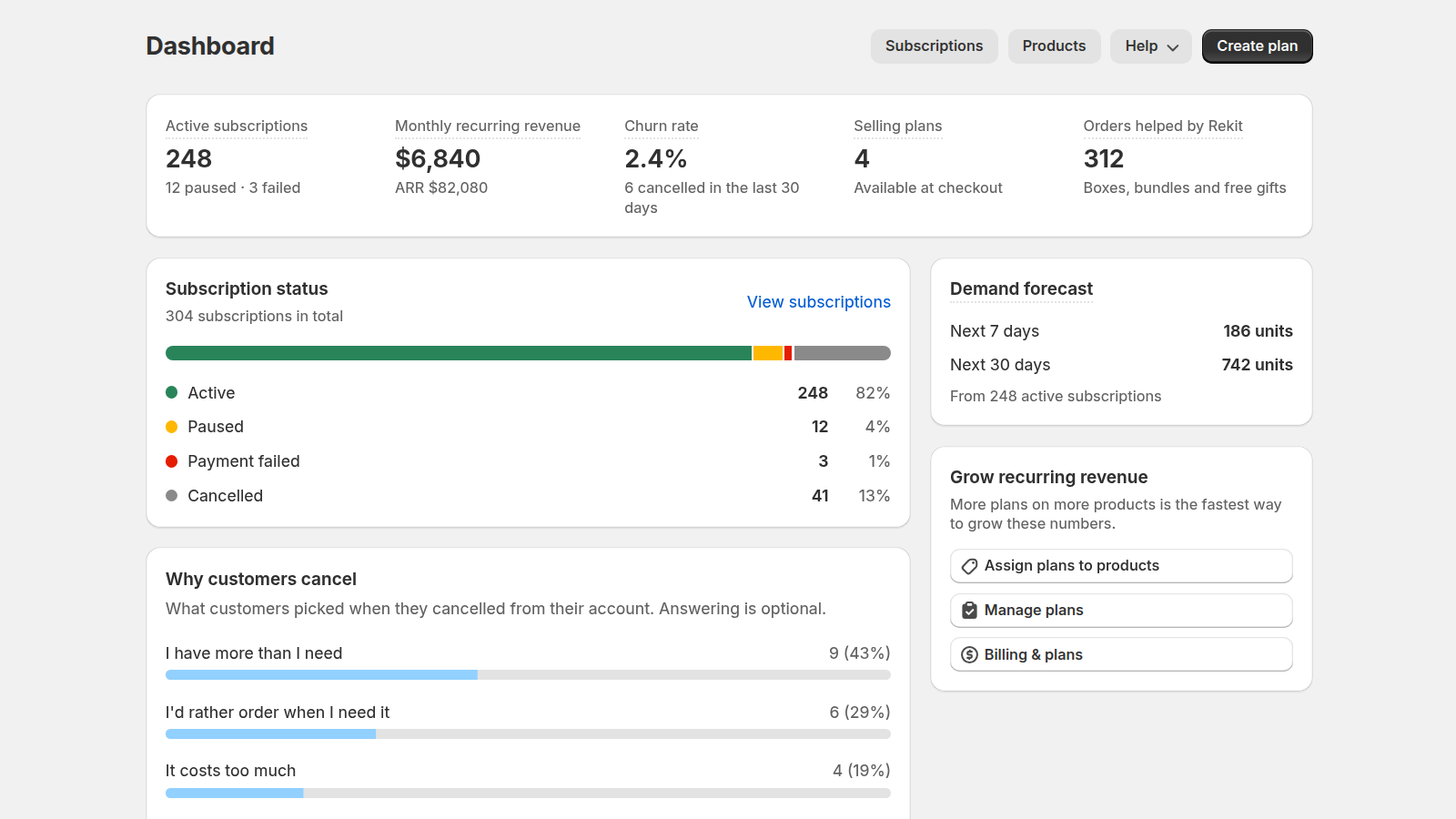
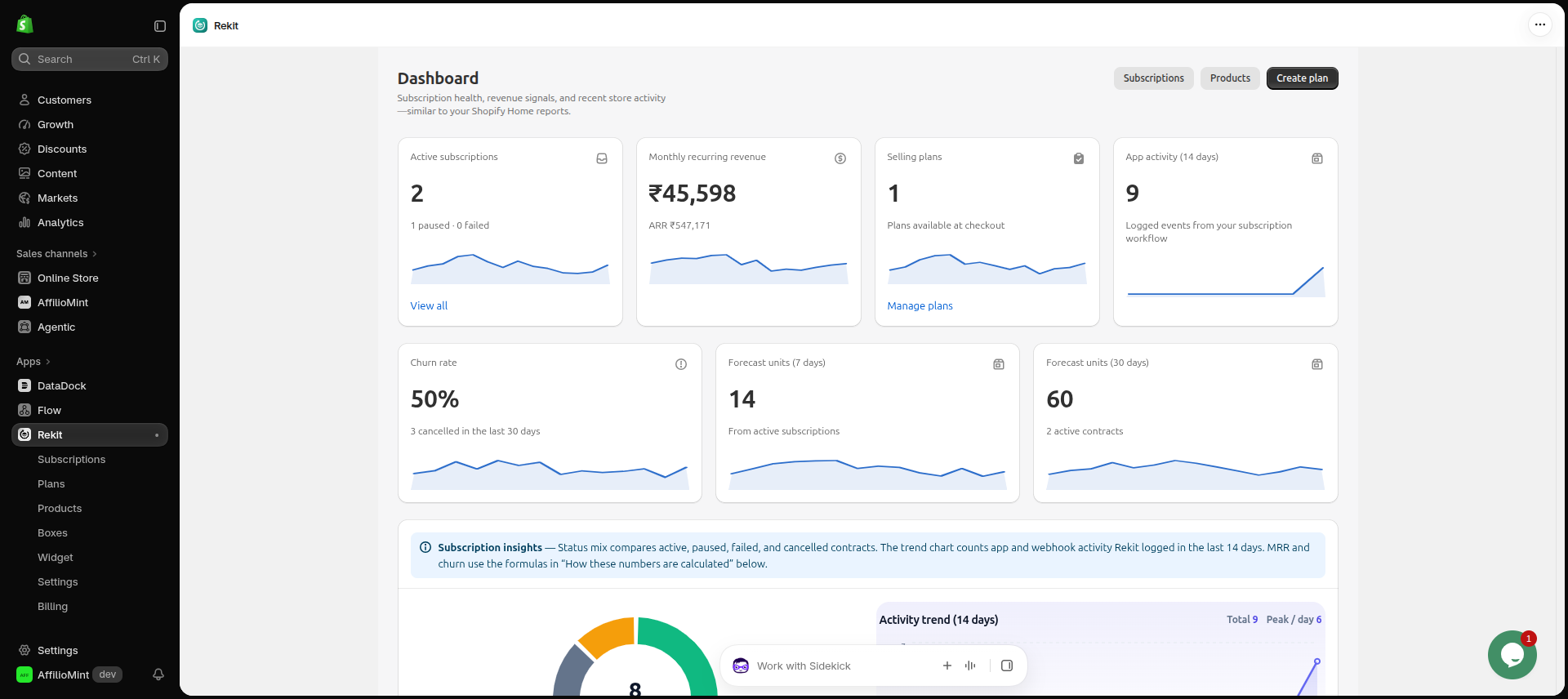
Subscriptions make demand predictable, but only if you can see it. Rekit's dashboard (Freeze plan) shows how many units the next 7 and 30 days of renewals need, so you know how much to roast and how many bags to pack before the orders come in.
Setup checklist
- Set grind and bag size as variants on your coffee products.
- Install Rekit and create a plan from the Weekly essentials or Flexible delivery template.
- Add the plan to your coffees and put the Rekit plan picker block on your product page (step-by-step guide).
- Turn on the customer portal and allow skip and pause.
- Optional: add a free sample with the first order, a sampler box and a brew kit.
- Place a test order, then tell your customers: an email to past buyers is usually where the first subscribers come from.